Meta business account readiness
Review account ownership, business information and the number to be connected. Complete the supported setup steps and verify that the channel is ready for the agreed customer journey.

Customer engagement
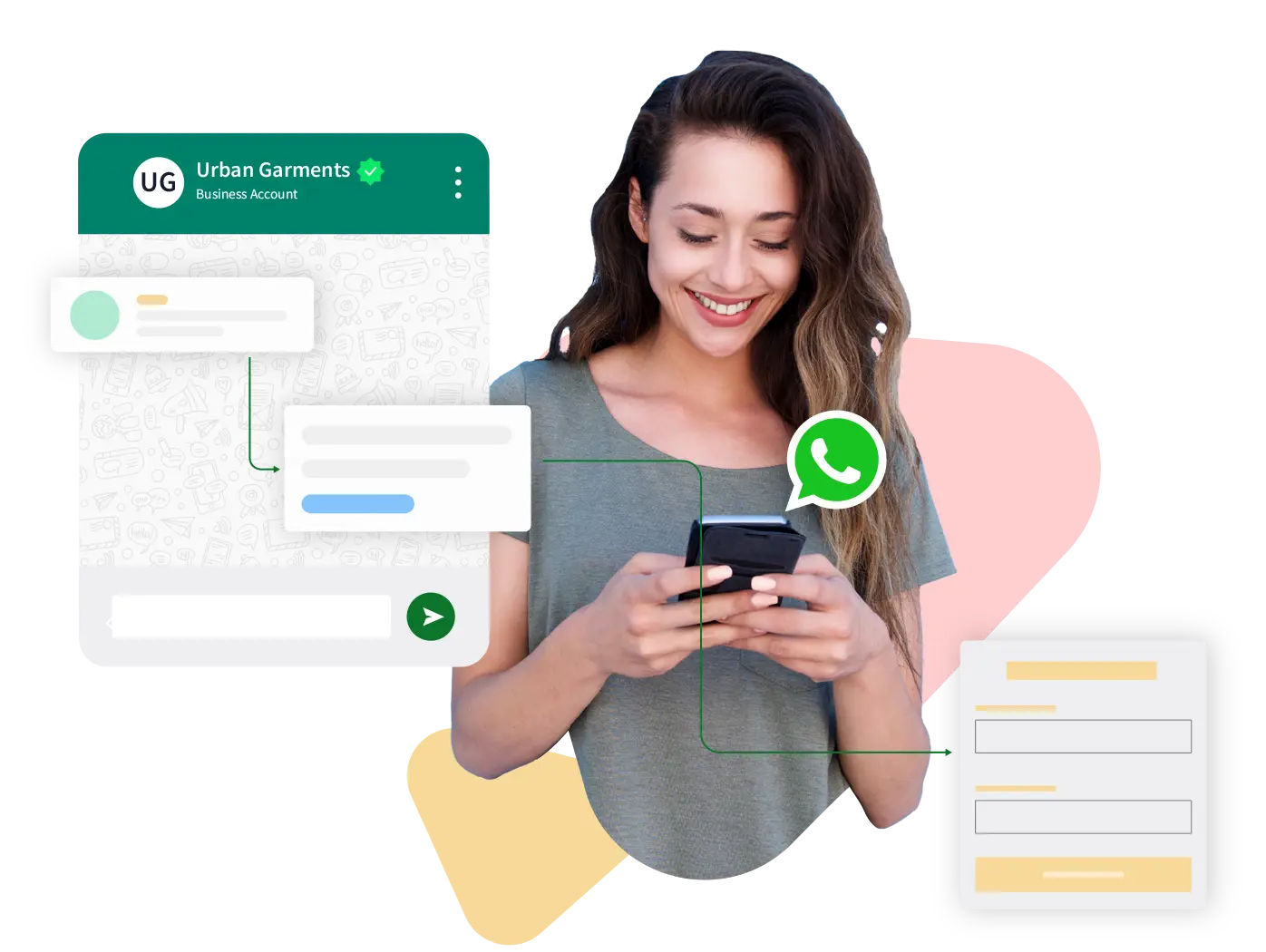
Make WhatsApp a business channel.
SCOPE & DELIVERABLES
A scoped engagement connects the specific work below to your current systems and business priority.
Review account ownership, business information and the number to be connected. Complete the supported setup steps and verify that the channel is ready for the agreed customer journey.
Review account ownership, business information and the number to be connected. Complete the supported setup steps and verify that the channel is ready for the agreed customer journey.
Prepare the audience, message, timing and next action. Review permission requirements, customer preferences and the reporting needed to assess the journey.
Agree team ownership, routing rules and escalation points. Make conversation context available to the person who needs to take the next action.
THE OPPORTUNITY
Disconnected channels make customers repeat themselves and leave teams chasing context. A useful engagement system brings customer intent, message timing, ownership and follow-up together.
Handle Meta Business verification, WhatsApp API setup, number connection, templates, and inbox setup.
BUSINESS CONTEXT
Collect the right details at the point of enquiry, identify intent and route the conversation.
Use a shared inbox with ownership, response guidance and a path to a person.
Connect relevant reminders, order communication and ongoing engagement with customer preferences.
GETTING STARTED
Bring account setup, message templates and team operations together. We guide the implementation from business account readiness and number connection through to a usable inbox and a first customer journey.
HOW TO JUDGE PROGRESS
Qualified replies and completed next steps
Handoff quality and unresolved conversations
Conversion events alongside opt-outs
The exact measures, targets and review cadence are agreed for your engagement.
QUESTIONS BEFORE YOU BEGIN
Meta business account readiness, Number and channel connection, Message template configuration, Inbox setup and team orientation. We confirm the delivery format, boundaries and acceptance criteria in the agreed project scope.
We review available APIs, supported integrations, fields and event triggers before agreeing the connection. The goal is to preserve useful customer context between the channel and your operating systems.
No. Automation works best for defined journeys. The design includes a route to a person for complex requests, exceptions and customers who need direct support.
We review the requirements, integrations, source materials and decision process before proposing a timeline and commercial scope. Platform subscriptions or third-party costs are discussed separately.
RELATED EXPERTISE
Set up customer engagement across WhatsApp, Instagram, Messenger, Telegram, and website chat.
02Build broadcast, drip, segmentation, template, and scheduled WhatsApp marketing campaigns.
03Deploy AI chatbots for sales, support, lead capture, FAQs, ecommerce, and service workflows.
YOUR NEXT CHAPTER STARTS HERE